
Shopify Script Tag Deprecation: What Store Owners Need to Know
Shopify is moving away from Script Tags in favor of newer, more reliable integration methods. Learn what the deprecation means for your store and what you should do to keep your apps, tracking, and storefront functionality working smoothly.
 Shakil IlhamFounder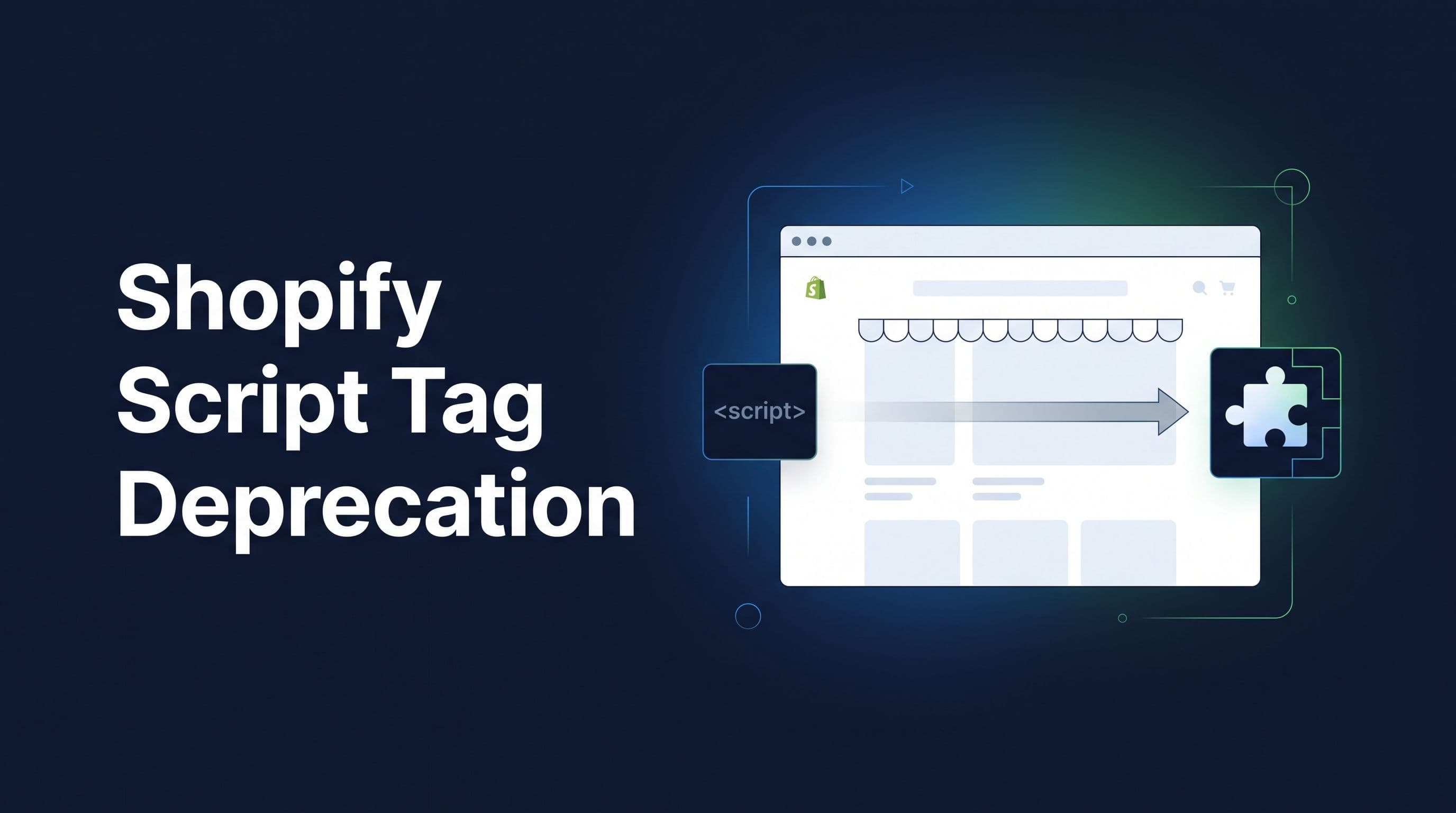
If you run a Shopify store, you may have heard about Shopify Script Tags being deprecated. While this is mainly a technical change for app developers, it can affect your store if you rely on apps that use Script Tags to add functionality to your storefront.
Here is what Shopify store owners need to know.
What are Shopify Script Tags?
Script Tags are a way for Shopify apps to load JavaScript onto a store's storefront. Apps have traditionally used them for things such as analytics, tracking, pop-ups, product widgets, reviews, personalization, and other features.
Shopify is now moving away from this older approach in favor of newer, more controlled integrations such as Theme App Extensions and Web Pixels.
When is Shopify removing Script Tags?
There are two important dates to remember:
October 1, 2026: Apps will no longer be able to create or update Script Tags.
March 1, 2027: Shopify will stop loading existing Script Tags on storefront pages.
This means an app that still depends on a Script Tag could eventually stop working correctly.
Will this break my Shopify store?
Not necessarily.
You don't need to manually remove Script Tags from your store just because Shopify is deprecating them. The important question is whether the apps and custom functionality you use have already migrated to Shopify's newer systems.
For example, an app that uses a Script Tag to display something on your storefront may need to move to a Theme App Extension. An app that only collects analytics or conversion data may instead use a Web Pixel.
Most of this migration should be handled by the app developer, not the store owner.
What should Shopify store owners do?
It is worth reviewing the apps and custom integrations running on your store before the deadline.
Pay particular attention to:
- Analytics and tracking tools
- Advertising and conversion tracking
- Product widgets
- Review and social proof apps
- Personalization tools
- Custom scripts installed by developers
- Older Shopify apps that have not been updated recently
If you depend on an important feature, check with the app provider and ask whether it has been migrated away from Script Tags.
Don't wait until 2027
Although existing Script Tags will continue working until March 1, 2027, waiting until the last minute can create unnecessary problems.
A migration may require testing to make sure tracking, storefront functionality, and third-party integrations continue working correctly.
At Webloom Labs, we help Shopify businesses modernize their stores and integrations without disrupting the customer experience. If your store relies on older Shopify integrations, now is a good time to review them and make sure you're ready for Shopify's upcoming changes.